When you buy a used copy YOU SAVE

2.29Kg of CO2

286.5 litre(s) of Water

0.0172 Tree(s)

1 book donated to global literacy projects
Master Visually Microsoft Windows Vista - Master Visually
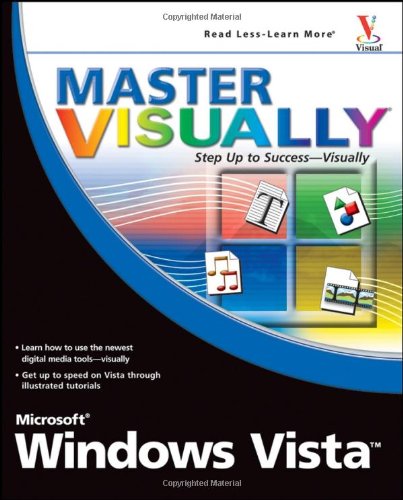
Master Visually Microsoft Windows Vista - Master Visually
paperback
Published:
8 March, 2007
paperback
Published:
8 March, 2007

Standard worldwide delivery by
Mon, July 6 - Thu, July 9
Order within
0

Popular Books by Rob Tidrow
View All Books by Rob Tidrow


Description
"One picture is worth a thousand words." If you prefer instructions that show you how rather than tell you why, then this intermediate to advanced level reference is for you. Hundreds of succinctly captioned, step-by-step screen shots reveal how to accomplish more than 200 Windows Vista tasks, including: Handling new, upgrade, or dual-boot installation Using the new desktop and start menu Creating toolbars and changing display settings Managing the firewall and antivirus software Installing CD and DVD burners Working with the new productivity features "Master It" sidebars answer questions and present shortcuts High-resolution screen shots demonstrate each task Succinct explanations walk you through step by step Two-page lessons break big topics into bite-sized modules
More Details
| Type | Book |
|---|---|
| ISBN13 | 9780470045770 |
| ISBN10 | 0470045779 |
| Number Of Pages | 573 |
| Item Weight | 1132 g |
| Product Dimensions | 188 x 38 x 231 mm |
| Publisher / Reseller | John Wiley & Sons |
| Format | paperback |
See More +
Author's Bio
Rob Tidrow is a freelance writer and consultant for Tidrow Communications, Inc., a firm specializing in content creation and delivery. Rob has authored or co-authored over 30 books on a wide variety of computer and technical topics, including Microsoft Windows Vista, Wireless Networking technologies, Microsoft Windows XP, Microsoft Outlook 2003, Windows 2003 Server, and Microsoft Internet Information Server. His most current work is Teach Yourself Visually Wireless Networking. He lives in Centerville, Indiana with his wife Tammy and their two sons, Adam and Wesley. You can reach him [email protected].